
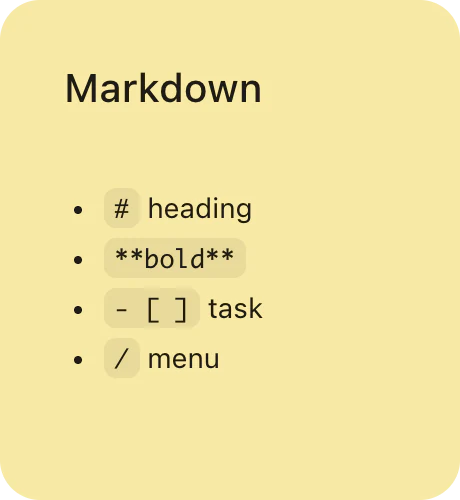
How to write Markdown in a sticky note
-
Create a note
Press ⌘N in PinMark for a new text note, or start from one of your templates.
-
Type Markdown
Write the syntax you already know —
#for headings,- [ ]for tasks,```for code — and it renders as you type. -
Or use the slash menu
Type / to insert a table, task list, code block, formula, or drawing without remembering the syntax.
-
Keep it in sight
Leave the note on your desktop, dock it at the screen edge, or press ⌘⌥F to float it above other windows.
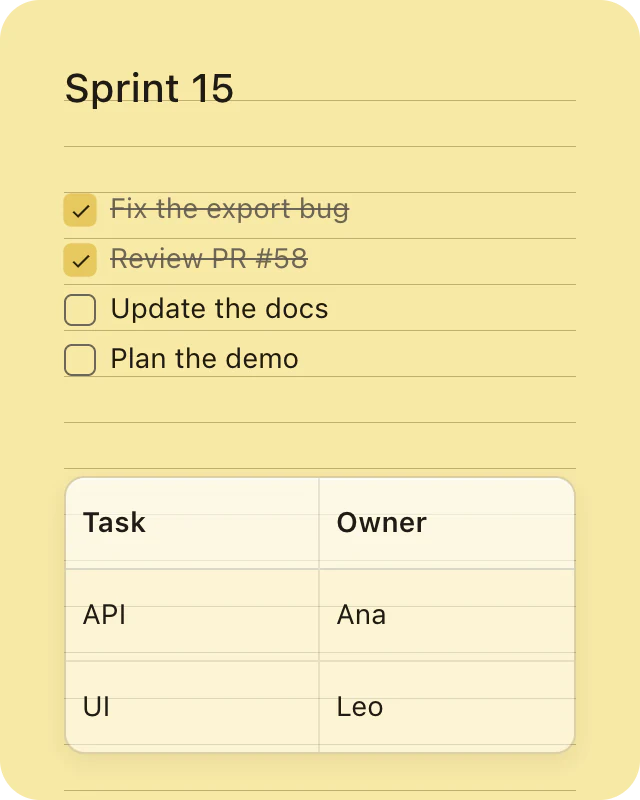
Checklists and tables that actually work.
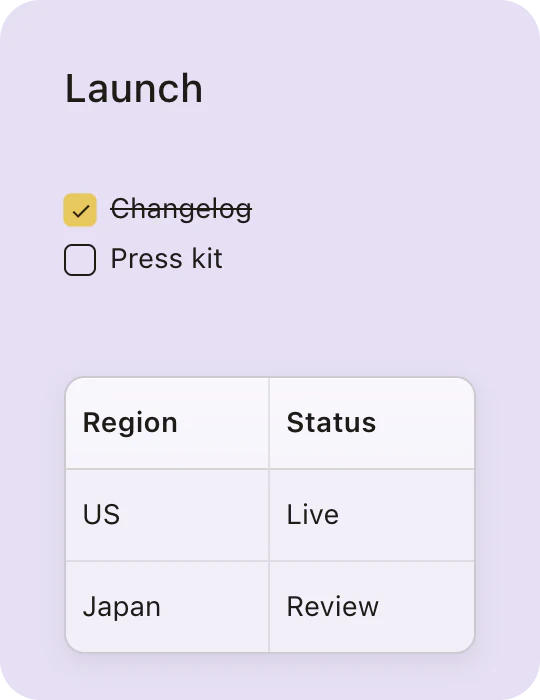
Type - [ ] and you get a real checkbox — click it and the item is checked off. Insert a table from the / menu and it stays readable even in a small note.
Headings go to five levels, and bold, italic, strikethrough, inline code, and links are a selection away in the floating format menu.
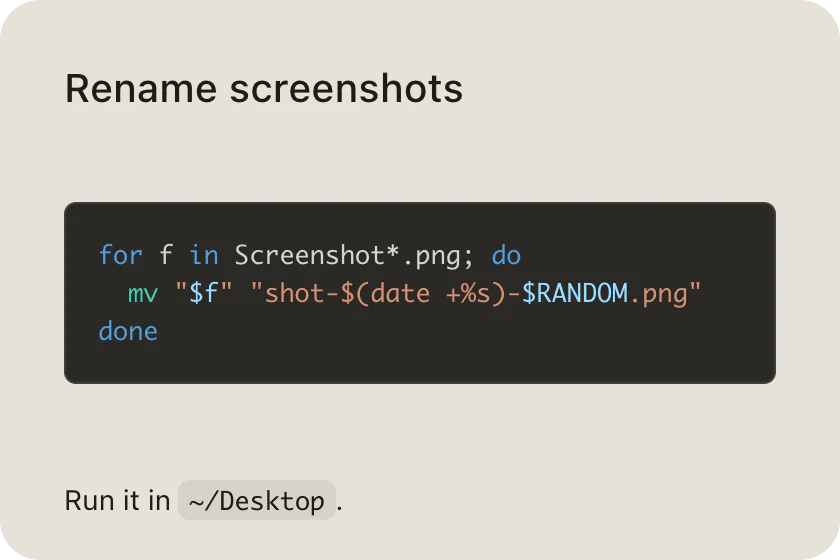
Code blocks with syntax highlighting.
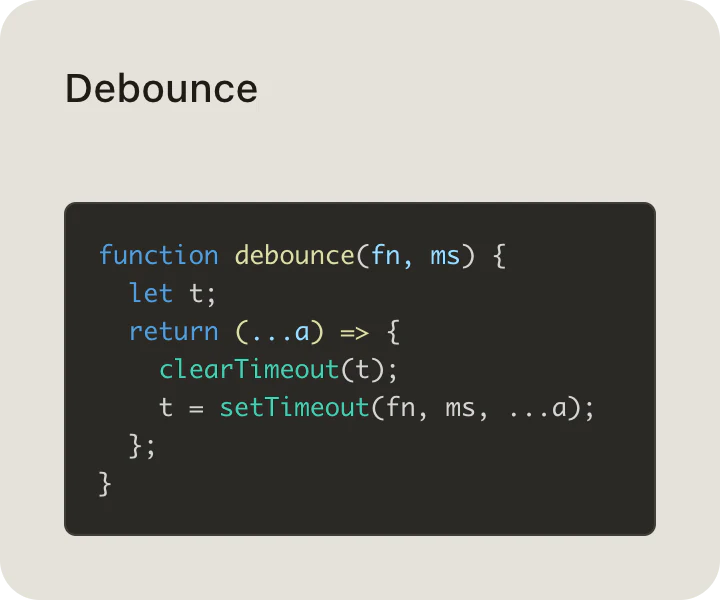
Fence a block with three backticks and you get monospaced, syntax-highlighted code — handy for the command you keep forgetting or the snippet you're working on. Inline code works too.
Choose Copy Markdown from the Format menu and the note comes out as clean Markdown, ready for a README or an issue.
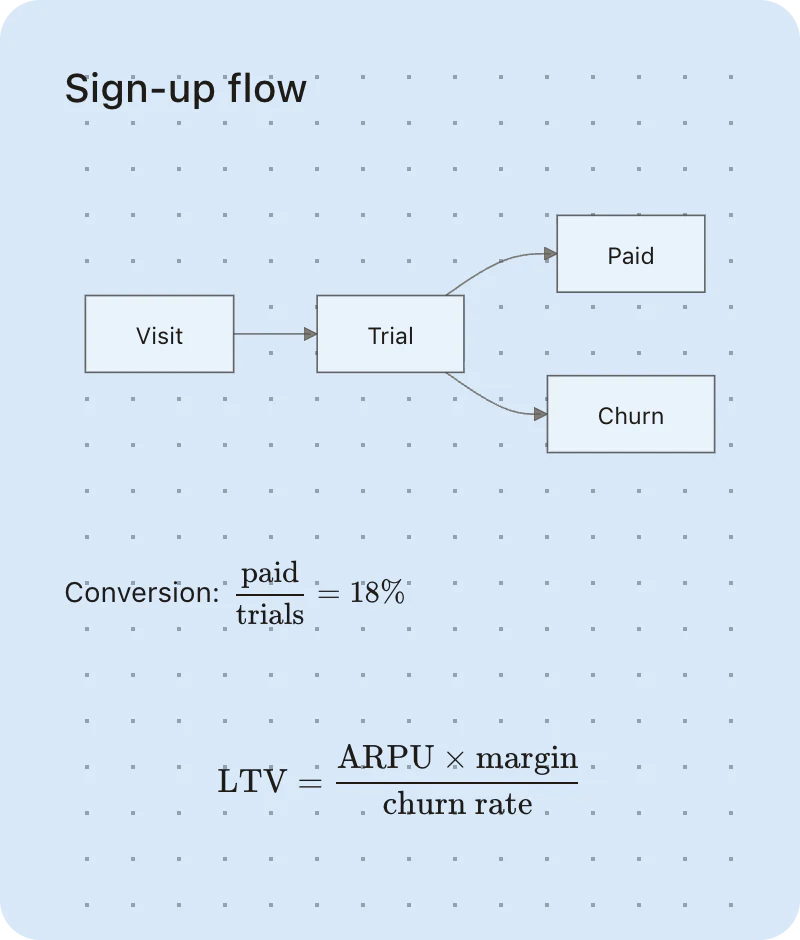
Diagrams and LaTeX math, rendered in the note.
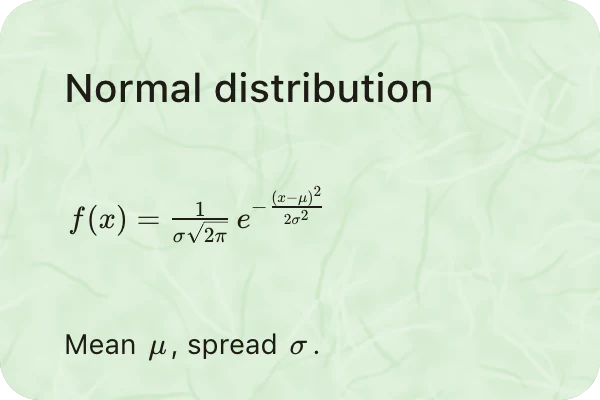
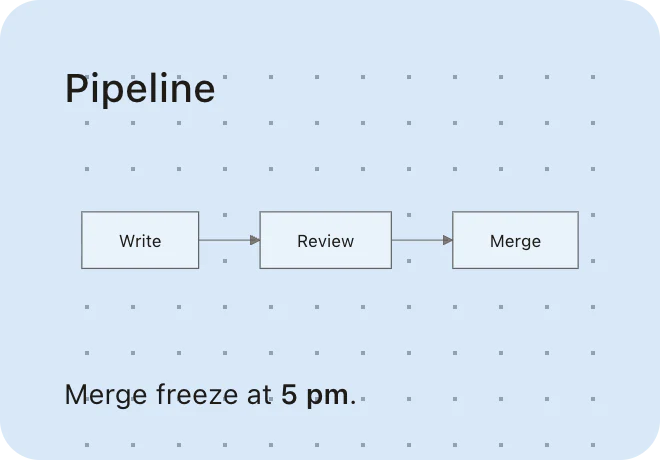
Write a mermaid code block and a flowchart or sequence diagram appears in the note. Type $x^2$ for inline math or $$ for a block formula, and double-click a formula to edit it with a live preview.
Mermaid and KaTeX run on your Mac, so diagrams and formulas render offline — and Markdown export keeps the LaTeX source.
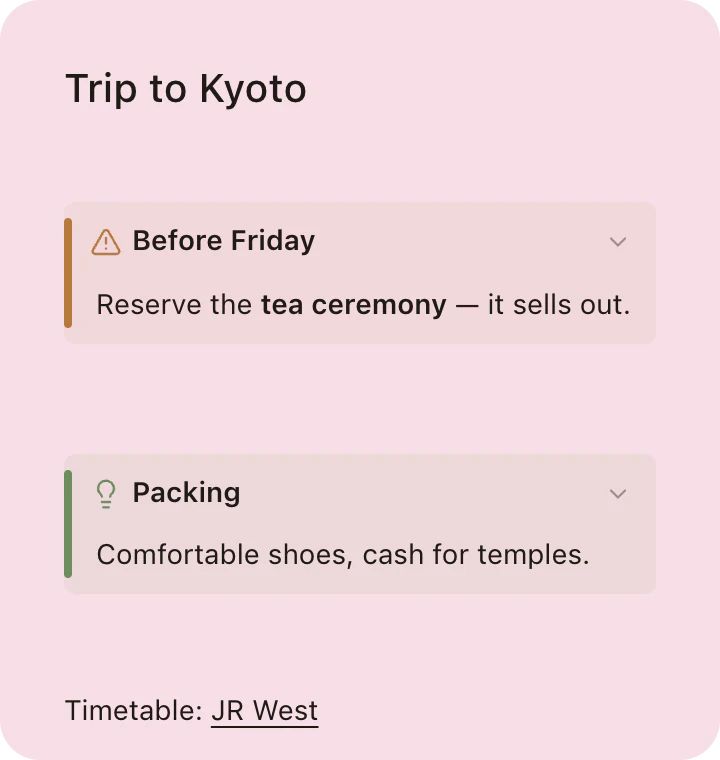
Callouts, links, and pictures.
Callouts set off a tip or a warning and fold away with a click — the folded state is saved with the note. Type [text](url) for a link, and press ⌘K to edit it.
Drop or paste an image straight into a note, or type / and choose Drawing to sketch a diagram you can edit later.
Markdown notes on a Mac: your options
Stickies and Markdown editors each cover part of the job:
| Stickies | Markdown editor apps | PinMark Sticky | |
|---|---|---|---|
| Type Markdown syntax | No — rich text only | Yes | Yes |
| Lives on the desktop as a sticky note | Yes | No — a document window | Yes |
| Dock at the screen edge | No | No | Yes |
| Stay above other windows | Yes (Float on Top) | Usually not | Yes (⌘⌥F) |
| Task lists, tables, code highlighting | No | Yes | Yes |
| Mermaid diagrams and LaTeX math | No | Varies, often via plugins | Built in, works offline |
Markdown editors such as Typora and Obsidian are built for documents and vaults in a window; PinMark Sticky is built for notes you keep on the desktop.