Markdown that renders as you type
Headings, task lists, tables, code, callouts, Mermaid diagrams, and LaTeX math — all inside a sticky note.
Markdown sticky notes for Mac →Markdown, photos, and screenshots — in sight while you work, tucked away when you don't need them.
Free download · No account · Works offline · One-time Pro, no subscription
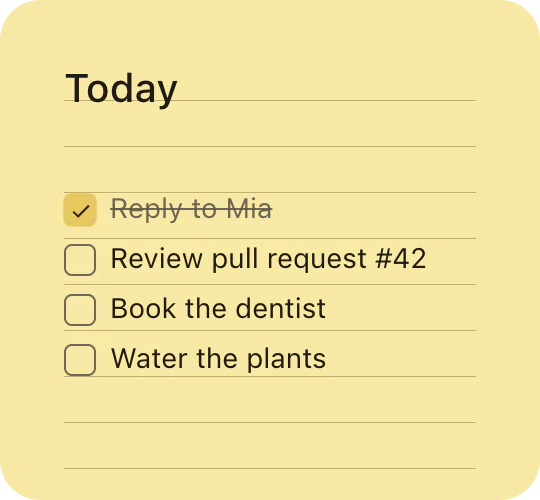
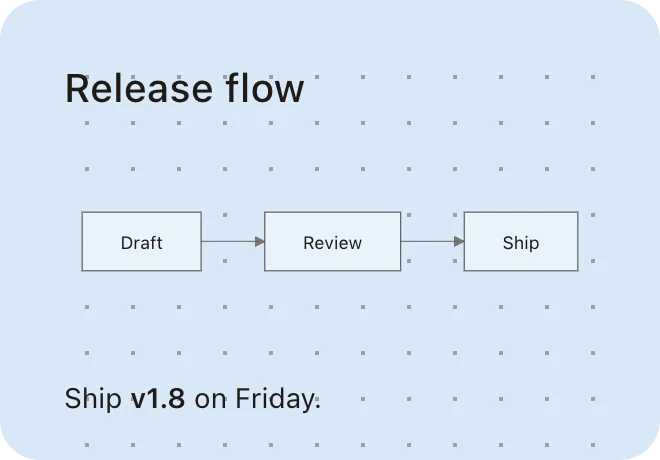
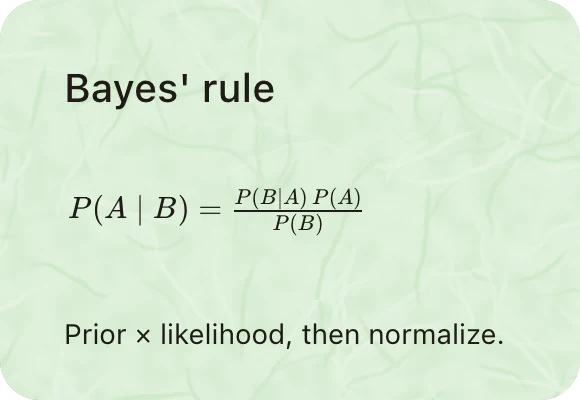


Hover a note — or the right edge of the screen — to see how PinMark behaves on your desktop.
Tap the strip at the right edge to bring back a docked note.
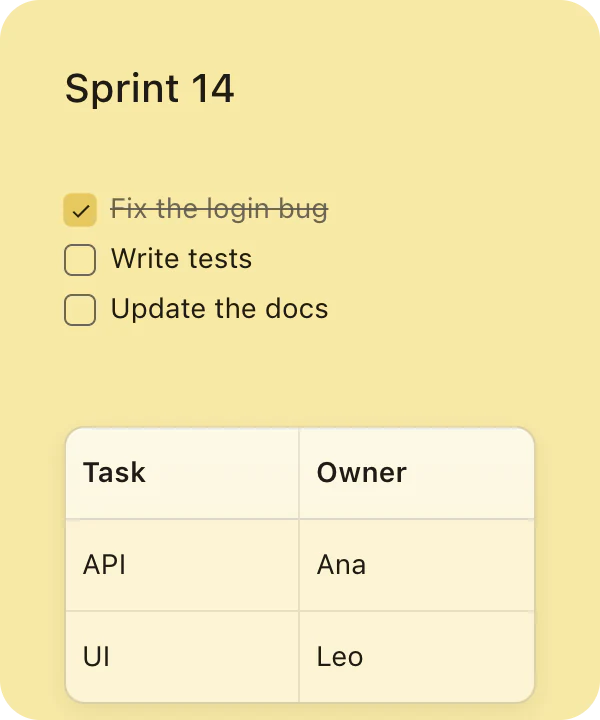
Write the same note in both. Stickies keeps it as plain text; PinMark Sticky renders it — checkboxes you can tick, a real table, and room for photos and screenshots next to it.
Sprint 14

- [x] Fix the login bug
- [ ] Write tests
- [ ] Update the docs

| Task | Owner |
| --- | --- |
| API | Ana |
| UI | Leo |
Headings, task lists, tables, code, callouts, Mermaid diagrams, and LaTeX math — all inside a sticky note.
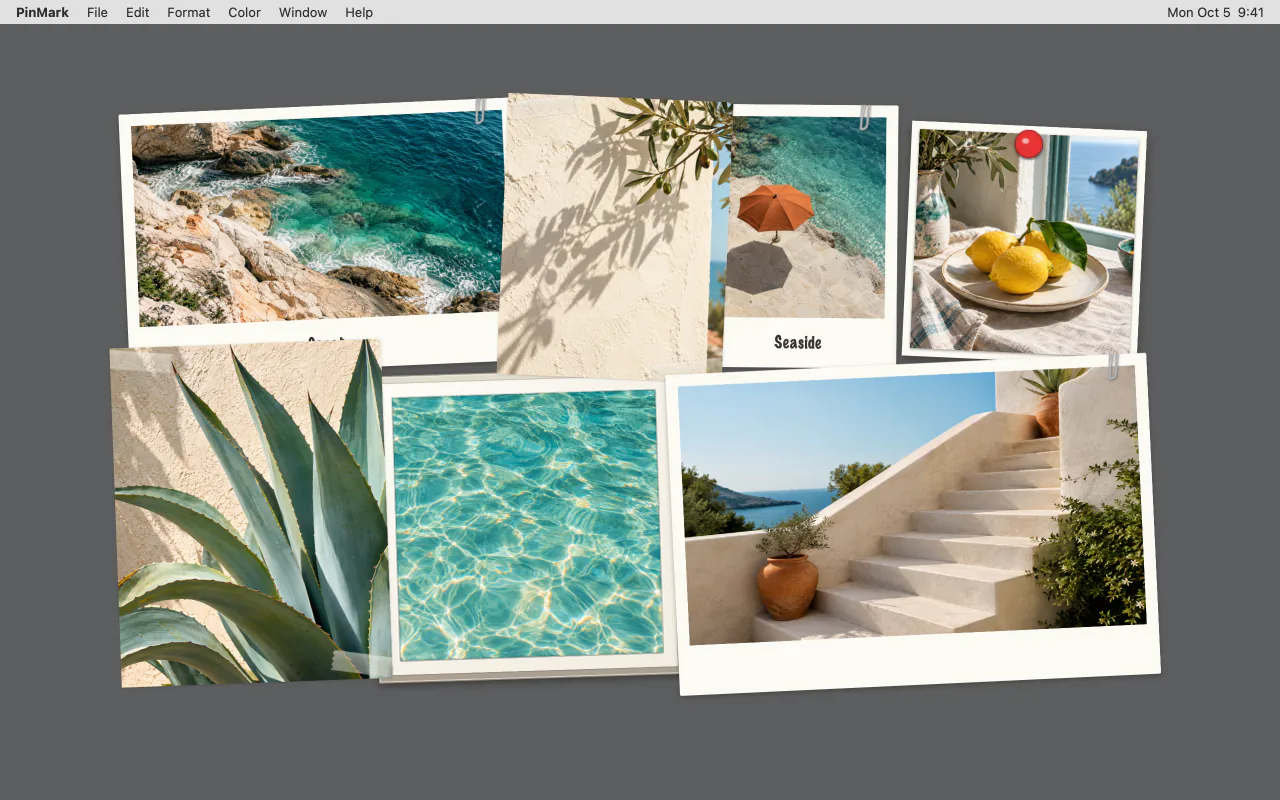
Markdown sticky notes for Mac →Pin any image as a framed print, or capture part of the screen straight into a note — even a whole scrolling page.
Dock a note at the screen edge and it slides out of sight. Hover to bring it back, or tidy everything with one click.
The same app on a working day, a study night, a design session, and a Sunday at home.
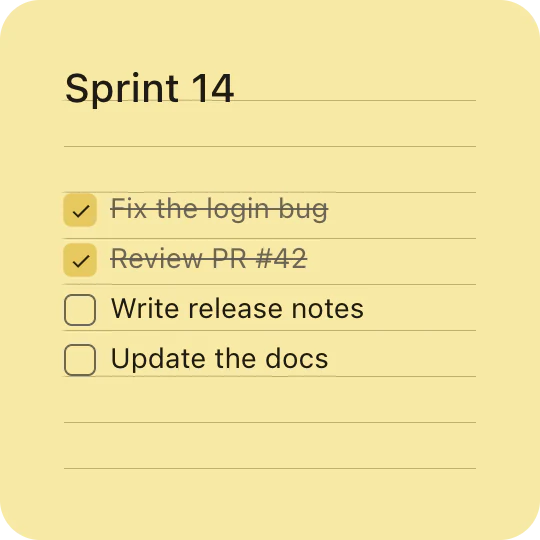
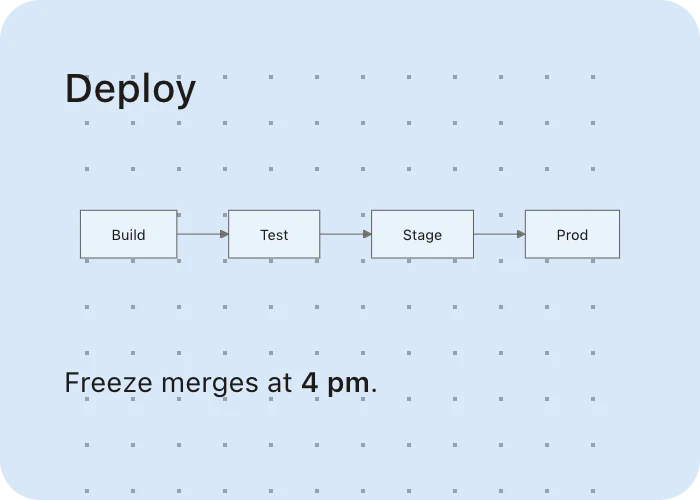
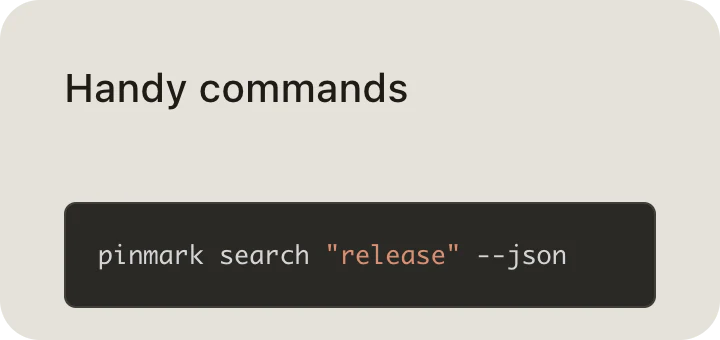
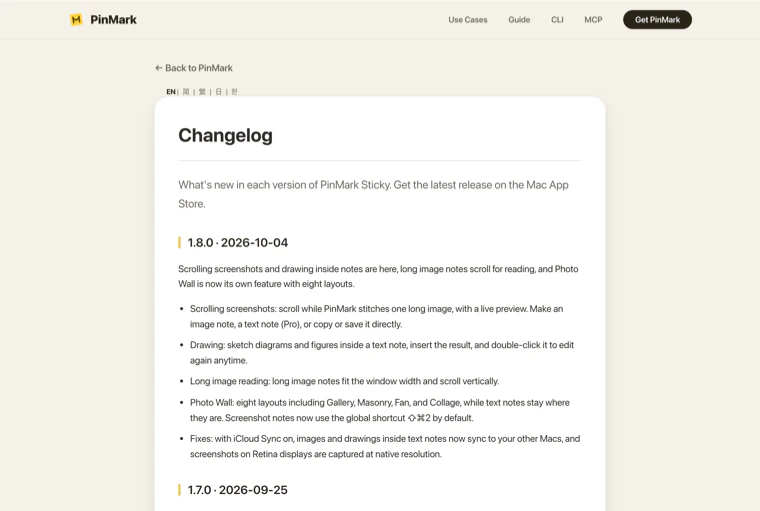
Keep the checklist, the deploy flow, and a screenshot of the release notes where you can see them — and let scripts and AI assistants update notes through the local CLI and MCP.
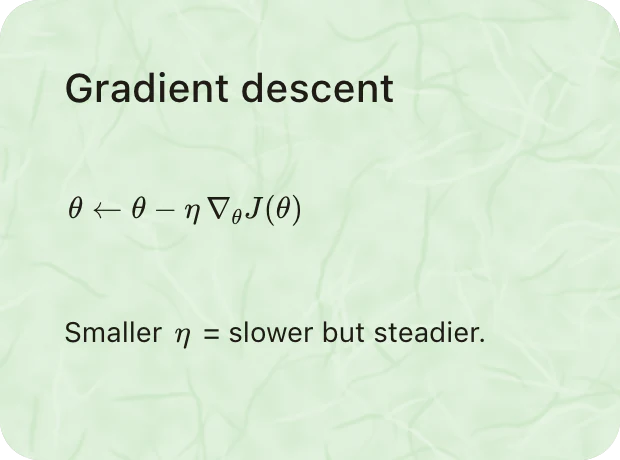
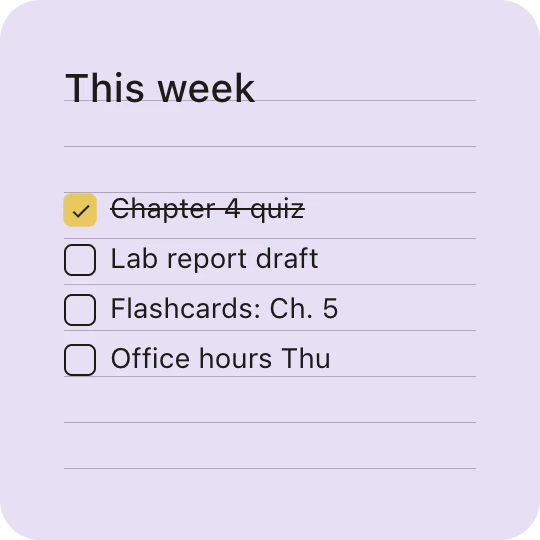
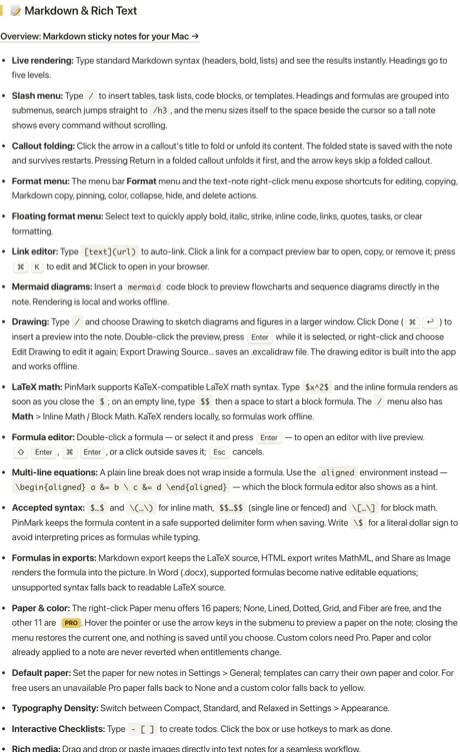
LaTeX renders right inside the note, the week's plan sits beside it, and a screenshot of the reading stays on screen while you work through it.
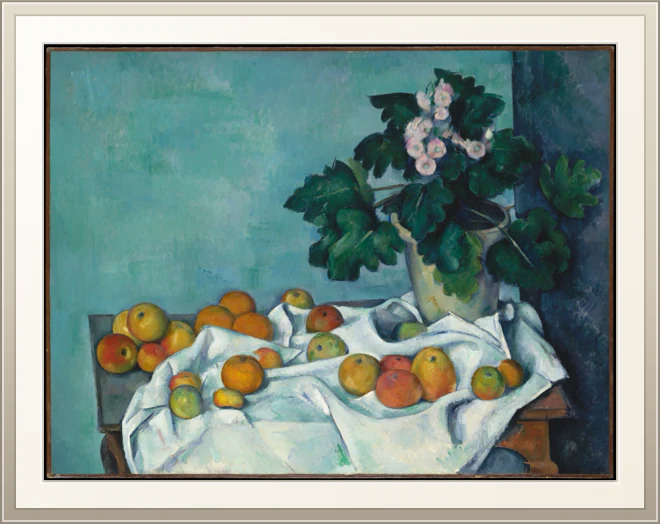
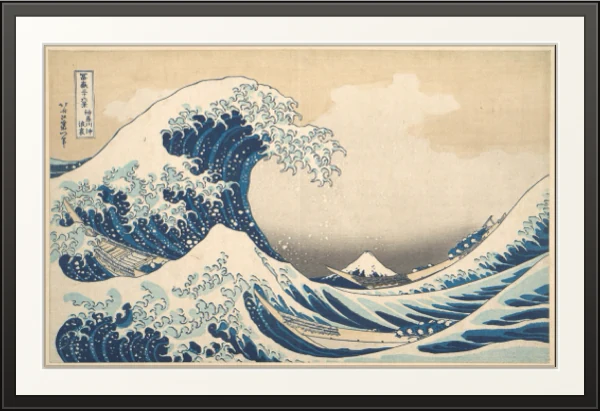
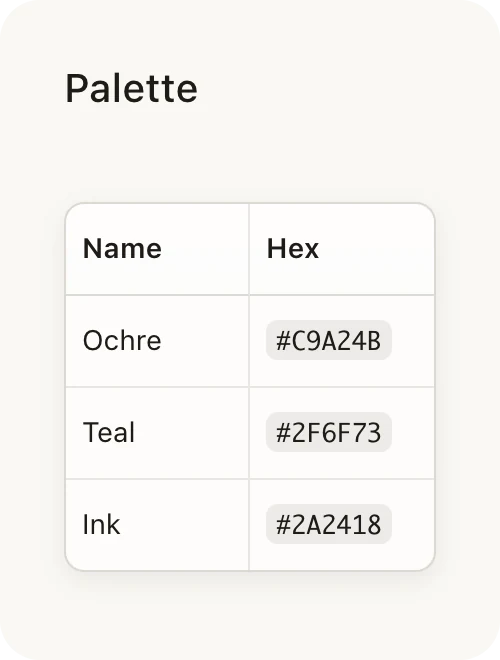
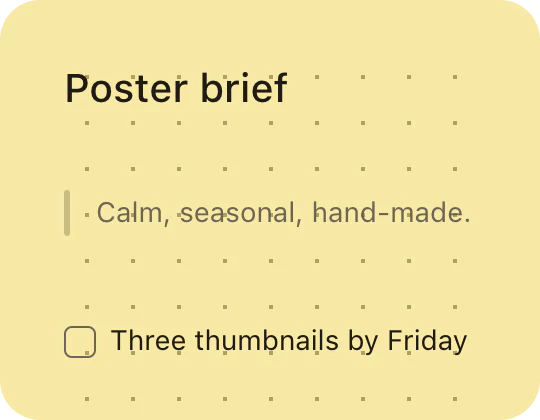

Pin references as framed prints and keep the palette and the brief in view while you sketch — a mood board that lives on the desktop itself.


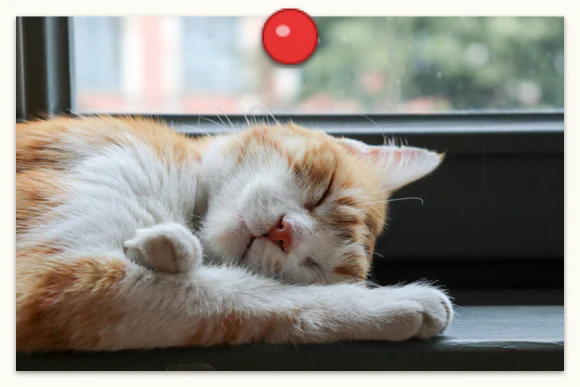

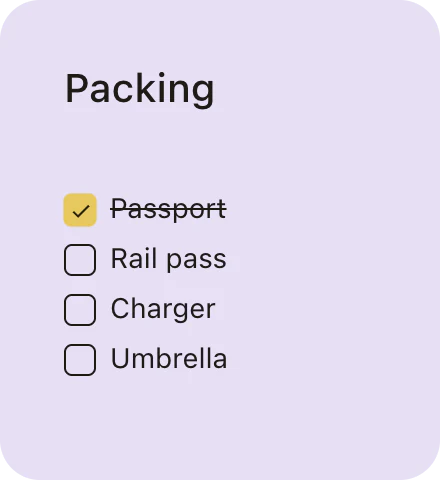
Pin the photos from your last trip, plan the next one, and dock the packing list at the screen edge until it's time to go.
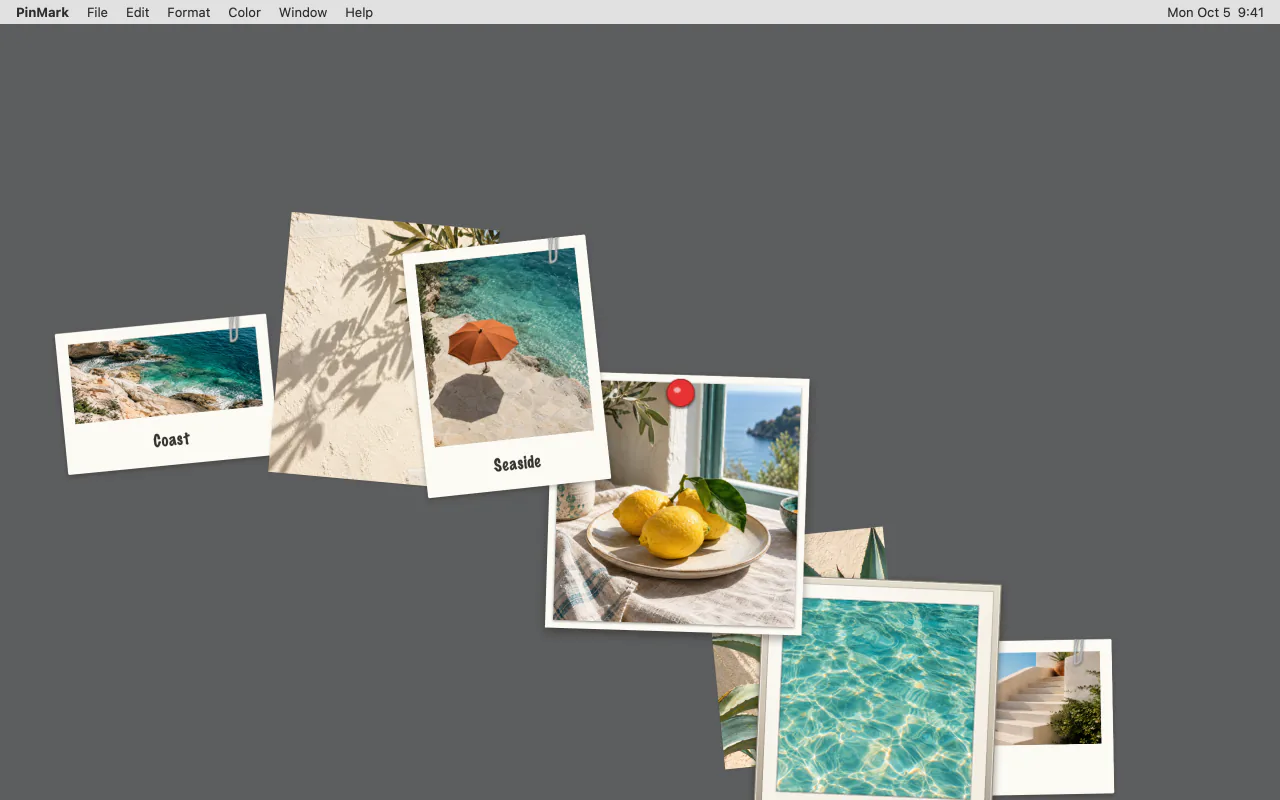
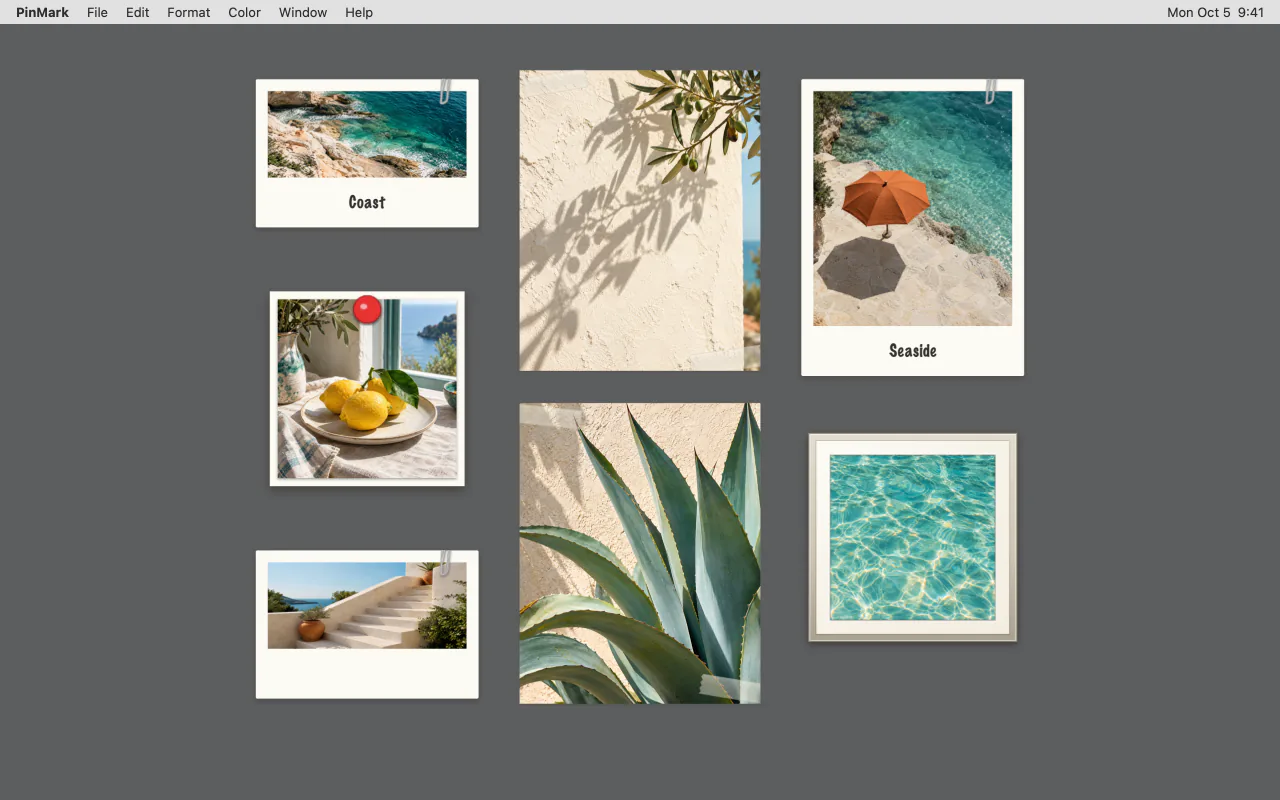
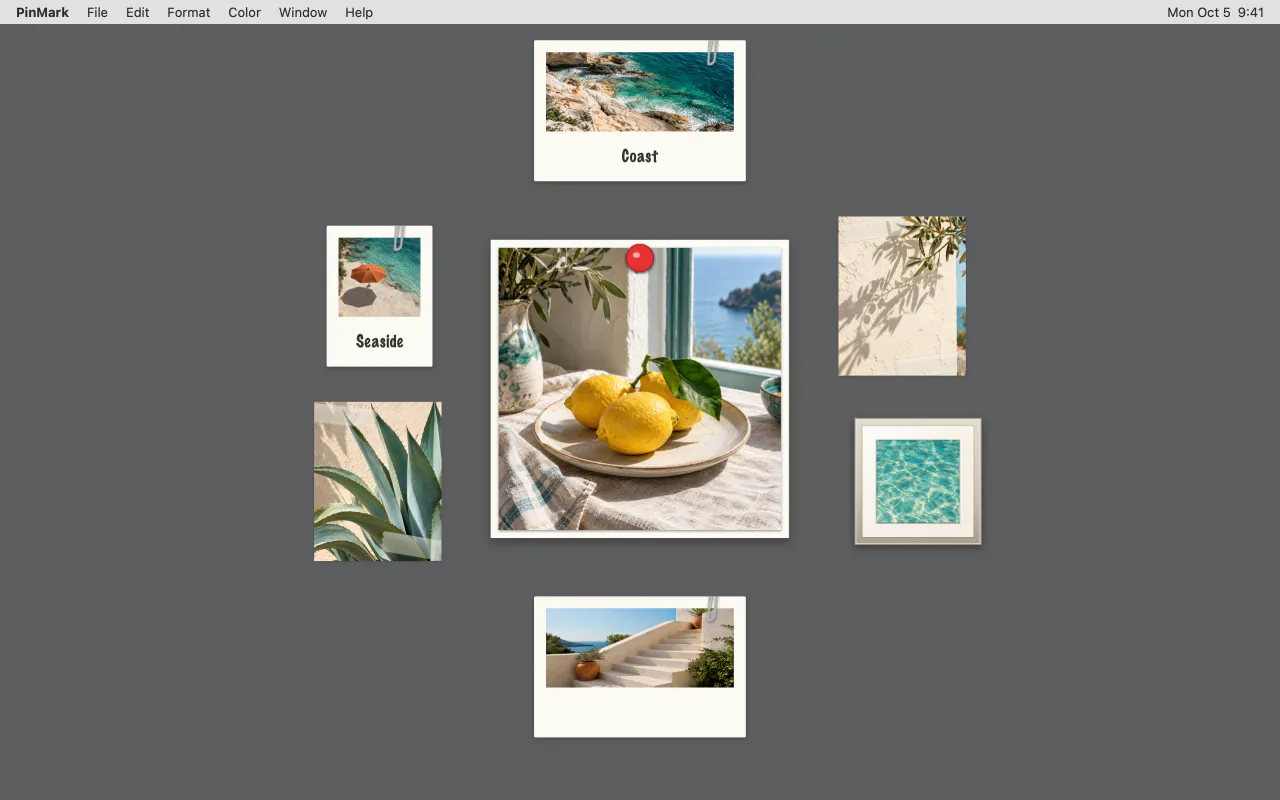
Notes pile up. Press ⌘⌥P and Photo Wall lays your image notes out — it picks a composition from how many photos you have and how they're styled, or you choose one of eight. ⌘⌥A tidies every note on the screen into a grid.
Changed your mind? Restore Previous Layout puts everything back.
Lined and dotted for lists, fiber and linen for texture, sakura and snowflakes for the season. Hover a paper in the menu to try it on before you choose. Five papers are free; the rest come with Pro.
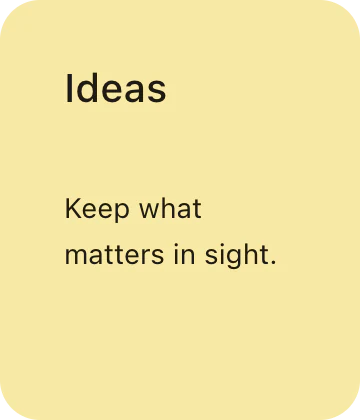 None
None
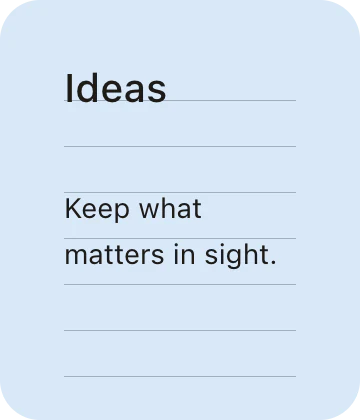 Lined
Lined
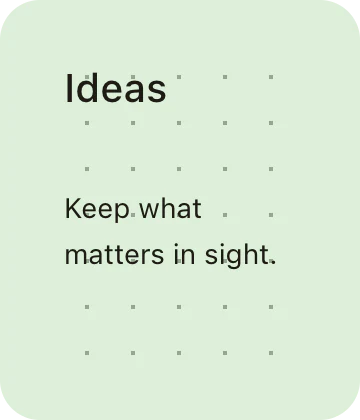 Dotted
 Grid
Grid
 Fiber
Fiber
 Rice paperPro
 LinenPro
 WatercolorPro
 RecycledPro
 Plum blossomPro
 SakuraPro
 ConstellationPro
 TopographicPro
 GeometricPro
 FireworksPro
 SnowflakesPro
PinMark's local CLI and MCP connection let scripts and AI assistants create, search, update, and open your desktop notes. Calls go through the PinMark app — never straight into the database — and can run in the background without stealing focus.
Start free with the full workflow — upgrade when OCR and sync become daily needs.
Everything you need for everyday desktop notes:
Build an unlimited, personalized workspace with one lifetime purchase:
Upgrade inside the app · One-time purchase · Pricing varies by region
PinMark Sticky is a native, local-first macOS app with optional private iCloud sync and a one-time purchase.
Stickies covers quick plain-text notes. PinMark Sticky adds rendered Markdown, photo notes with frames, screenshot notes, Edge Docking, Ghost Mode, OCR, iCloud sync, and CLI/MCP automation — while staying just as lightweight and local-first.
One-time purchase. PinMark Pro is a single lifetime unlock — no subscription, ever. Buy it once on the Mac App Store and it's yours, including future updates.
Up to 50 text notes, 2 image cards at once, 3 image styles, and the default paper style — plus screenshot notes, Markdown, Shortcuts, Share, and Spotlight. Upgrade to Pro for unlimited notes, all 8 image styles, paper textures, iCloud Sync, OCR, Ghost Mode, and more.
Not at all. With Edge Docking, you can slide notes to a screen edge where they automatically hide. Use Arrange Notes to tidy visible notes into a grid, photo wall, color groups, or cascade whenever your workspace needs a reset.
Your notes live on your Mac, so we never have access to them, and PinMark works fully offline. Turn on iCloud Sync (Pro) and they stay in your own private iCloud, syncing across your Macs once you're back online.
PinMark Sticky requires macOS 13 Ventura or later. It's a native Swift app, so everything — from Markdown rendering to OCR — runs locally on your Mac.
Free on the Mac App Store. No account required.
Download PinMark Sticky